library(dplyr)
library(ggplot2)
theme_set(theme_linedraw(base_size = 15))Introduction
Here are some examples of how to format axes and labels in ggplot2.
Preparing the data
Load required libraries:
Generate cell viability and viable cell density data:
cell_viability <- data.frame(
  day = rep(1:4, 2),
  viability = c(0.89, 0.88, 0.77, 0.66, 0.55, 0.45, 0.35, 0.25),
  vcd = c(7, 9, 12, 15, 3, 4, 7, 8),
  has_puromycin = c(rep("no", 4), rep("yes", 4))
)
cell_viability$day <- factor(cell_viability$day)
Percent sign (%) and breaks
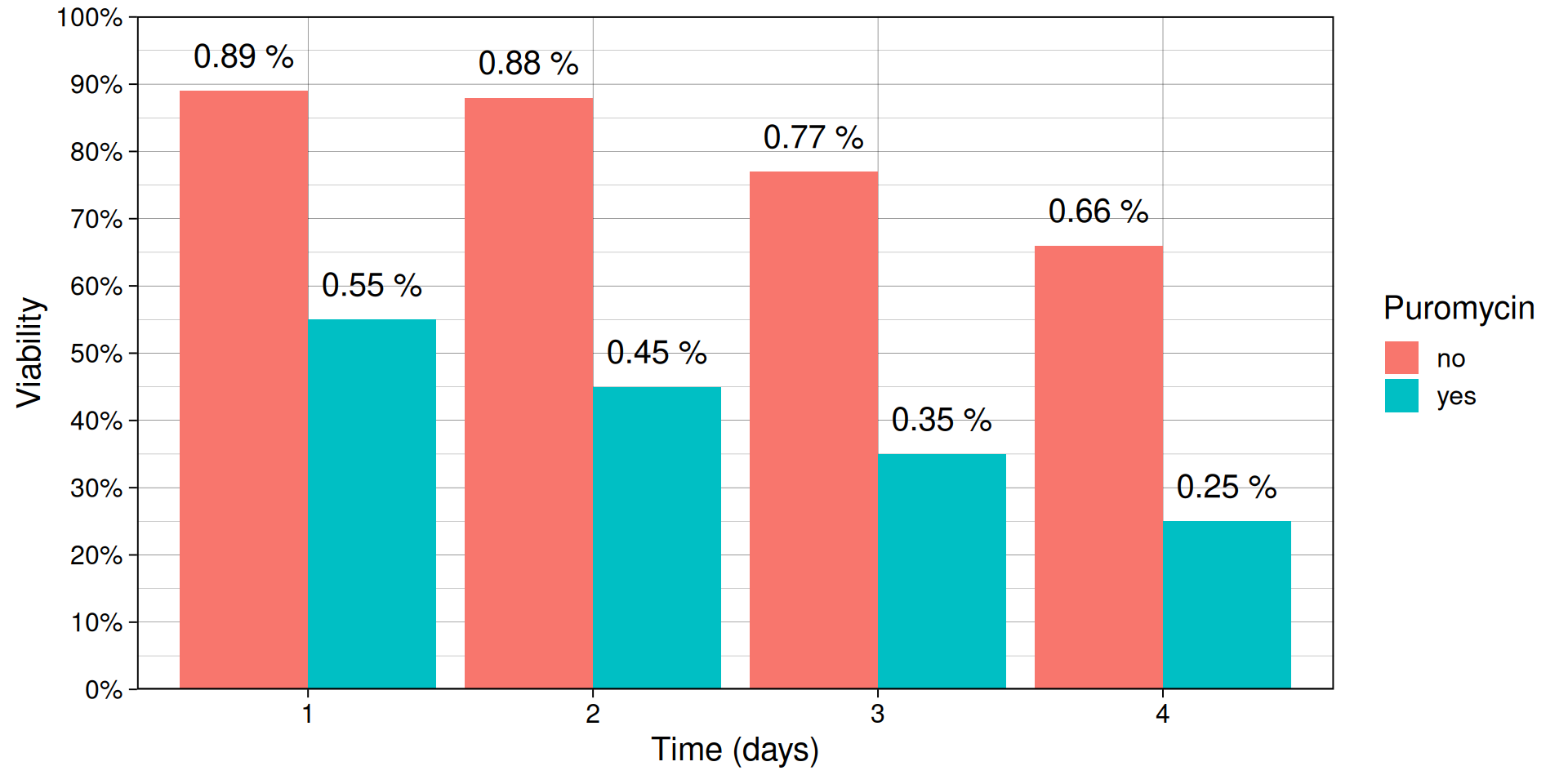
The variable viability is stored as a fraction, so scales::label_percent() converts the y-axis tick labels to percentages without changing the underlying data.
ggplot(
  cell_viability,
  aes(day, viability, fill = has_puromycin)
) +
  geom_col(position = position_dodge(width = 0.9)) +
  geom_text(
    aes(label = paste(viability, "%")),
    vjust = -1,
    position = position_dodge(width = 0.9)
  ) +
  labs(
    x = "Time (days)",
    y = "Viability",
    fill = "Puromycin"
  ) +
  scale_y_continuous(
    limits = c(0, 1.001),
    n.breaks = 10,
    labels = scales::label_percent(),
    expand = expansion(0)
  )
Custom labels using ggtext or plotmath
Axis titles sometimes need symbols or formatting that plain text can’t produce, like superscripts, Greek letters, or mathematical expressions. Two common ways to handle this: ggtext, which renders markdown/HTML in plot text, or base R’s plotmath, which renders math expressions.
Using ggtext
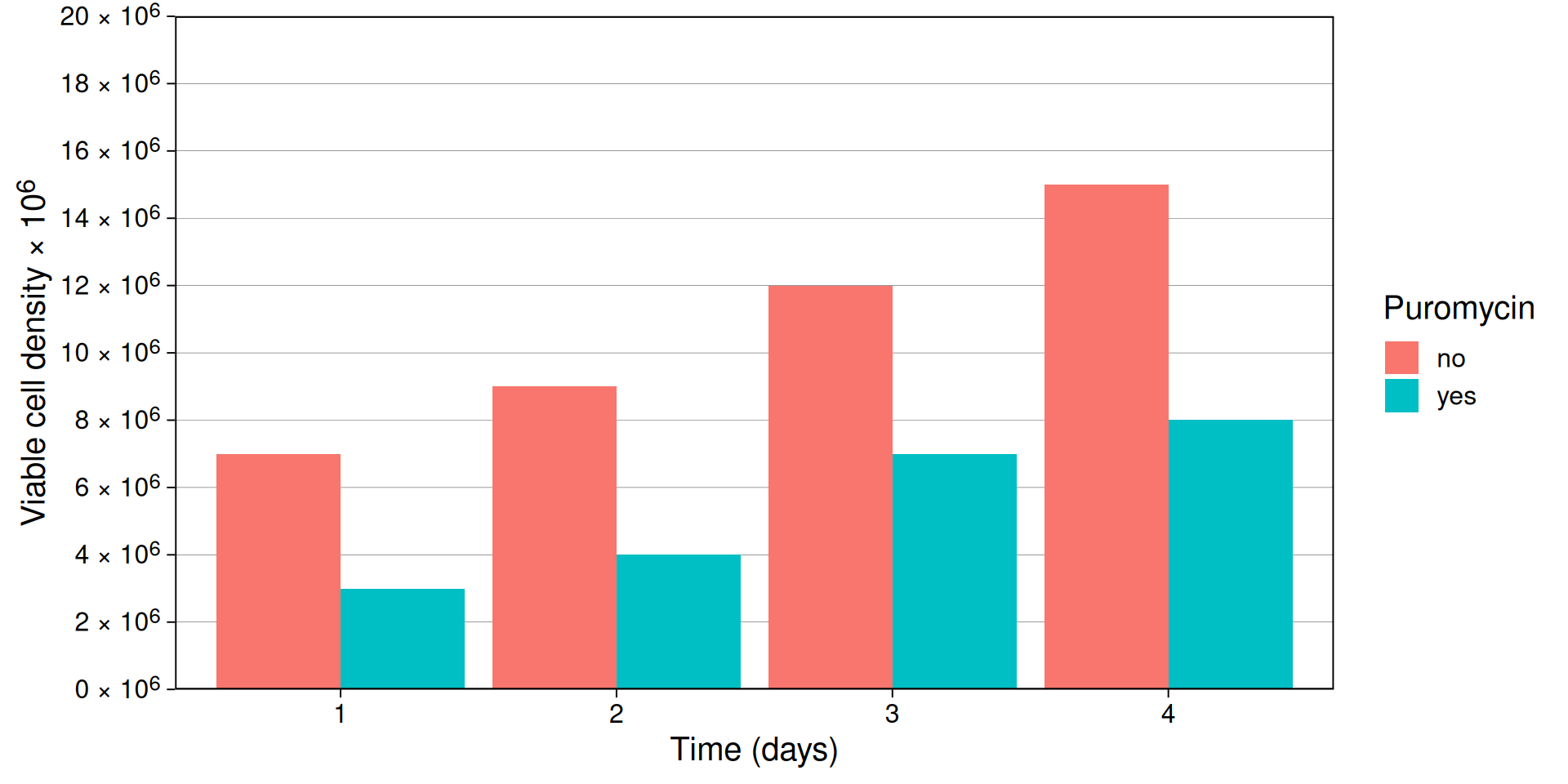
Unicode characters cover most special symbols directly and ggplot2 takes care of the rendering. element_markdown() from ggtext can be used to display native markdown text.
Some unicode codes I use a lot are mu (U00B5 or U03BC), degree (U00B0), plus-minus (U00B1), and multiply (U00D7).
ggplot(
  cell_viability,
  aes(day, vcd, fill = has_puromycin)
) +
  geom_col(position = "dodge") +
  labs(
    x = "Time (days)",
    y = "Viable cell density \U00D7 10^6^",
    fill = "Puromycin"
  ) +
  scale_y_continuous(
    limits = c(0, 20.001),
    n.breaks = 10,
    labels = scales::label_number(suffix = " \U00D7 10^6^"),
    expand = expansion(0)
  ) +
  theme(
    axis.text.y = ggtext::element_markdown(),
    axis.title.y = ggtext::element_markdown(),
    panel.grid.major.x = element_blank(),
    panel.grid.minor = element_blank(),
  )
Using plotmath
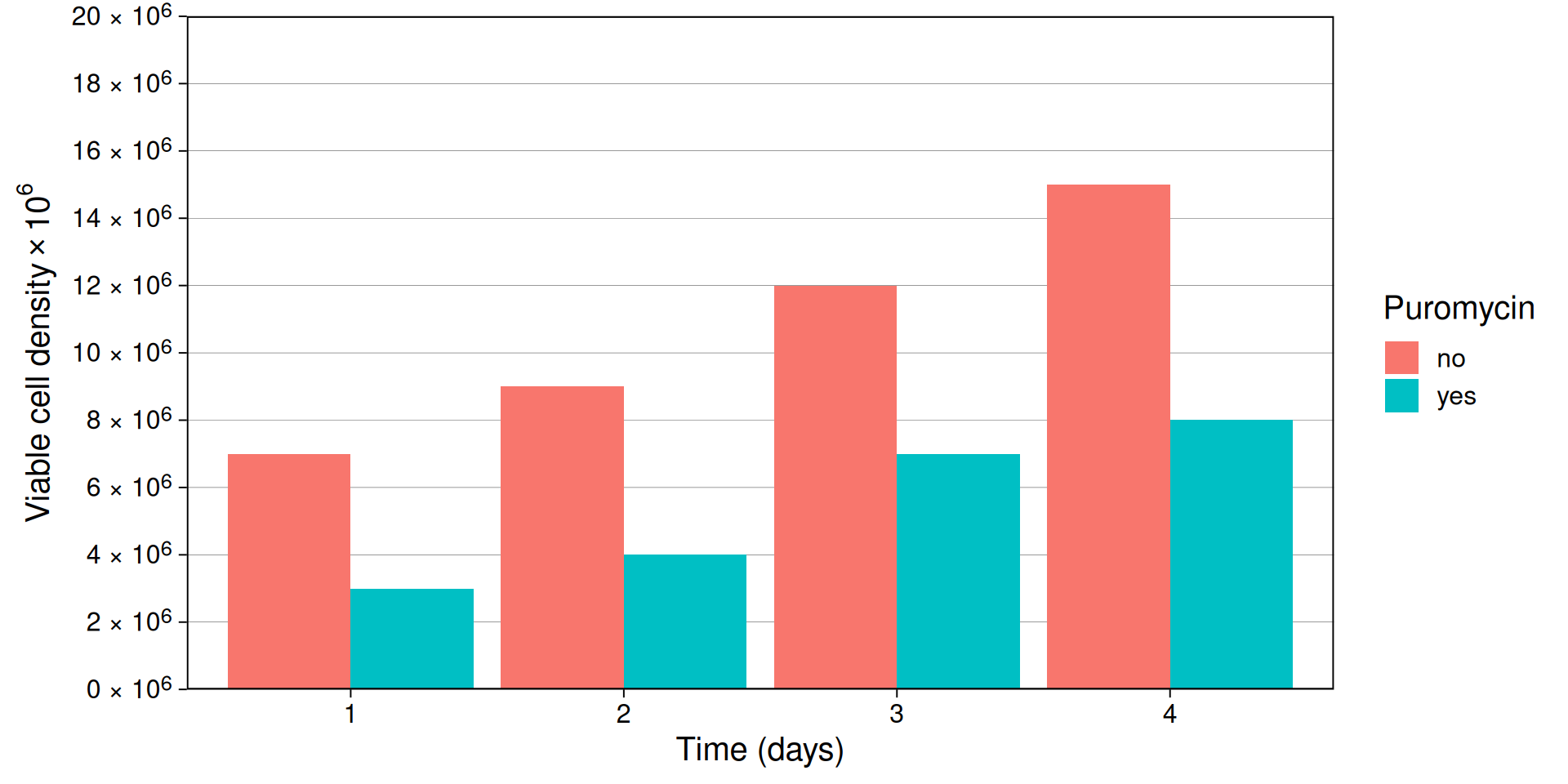
We can alternatively use the plotmath package to render mathematical annotations. expression() builds a plotmath expression instead of a string, so %*% renders as a multiplication sign and 10^6 renders as a real superscript. More details on expression formating can be found here.
ggplot(
  cell_viability,
  aes(day, vcd, fill = has_puromycin)
) +
  geom_col(position = "dodge") +
  labs(
    x = "Time (days)",
    y = expression("Viable cell density" %*% 10^6),
    fill = "Puromycin"
  ) +
  scale_y_continuous(
    limits = c(0, 20.001),
    n.breaks = 10,
    labels = scales::label_number(suffix = " \U00D7 10^6^"),
    expand = expansion(0)
  ) +
  theme(
    axis.text.y = ggtext::element_markdown(),
    # axis.title.y = ggtext::element_markdown(),
    panel.grid.major.x = element_blank(),
    panel.grid.minor = element_blank()
  )
Chemical formulae
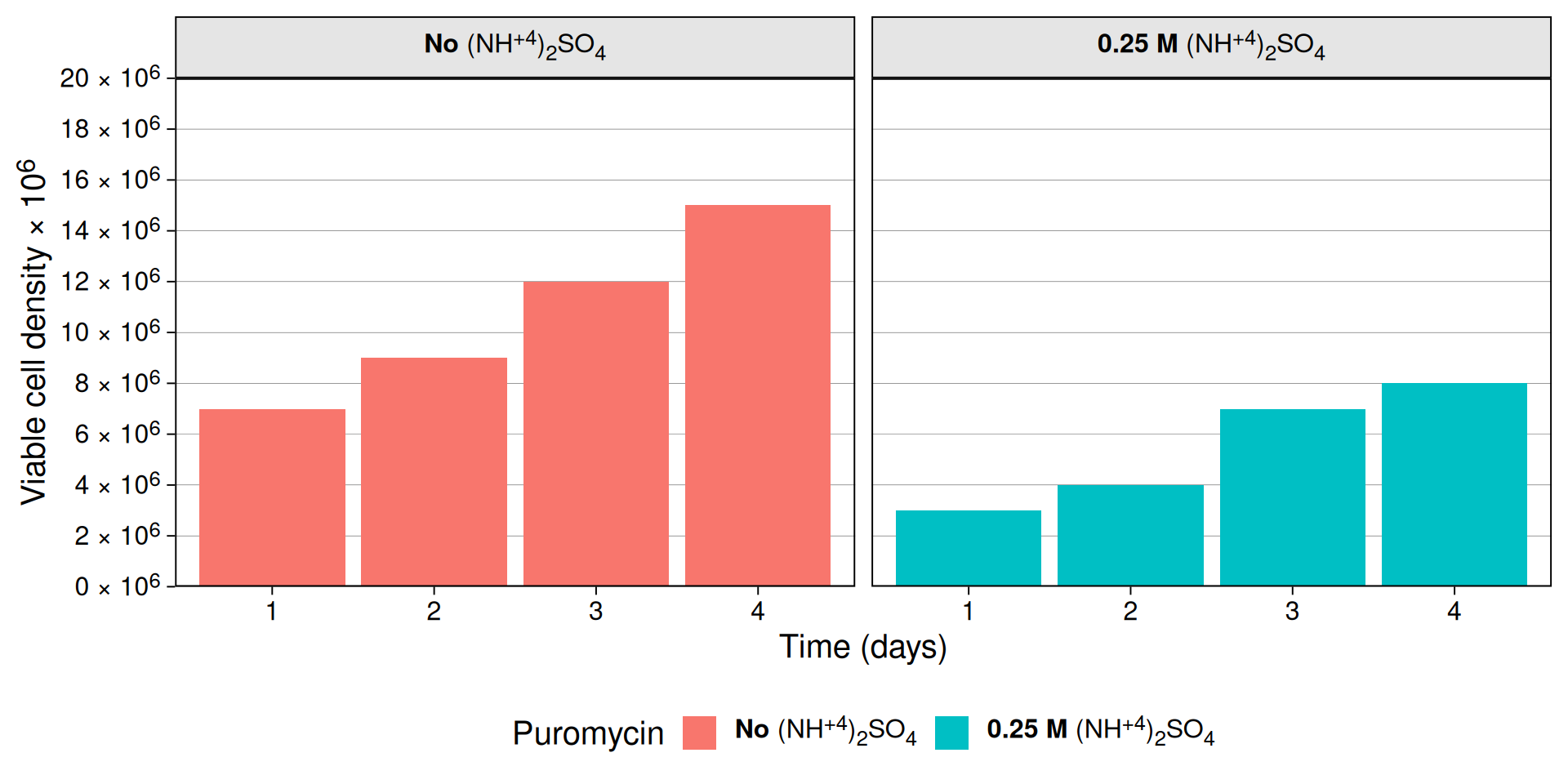
The same ggtext markup can be used to display chemical formulae as well.
Note: The puromycin formula is gibberish. This is for demonstration only.
cell_viability$has_puromycin <- factor(
  cell_viability$has_puromycin,
  levels = c("no", "yes"),
  labels = c(
    "**No** (NH<sup>+4</sup>)<sub>2</sub>SO<sub>4</sub>",
    "**0.25 M** (NH<sup>+4</sup>)<sub>2</sub>SO<sub>4</sub>"
  )
)

ggplot(
  cell_viability,
  aes(day, vcd, fill = has_puromycin)
) +
  geom_col(position = "dodge") +
  labs(
    x = "Time (days)",
    y = "Viable cell density \U00D7 10^6^",
    fill = "Puromycin"
  ) +
  scale_y_continuous(
    limits = c(0, 20.001),
    n.breaks = 10,
    labels = scales::label_number(suffix = " \U00D7 10^6^"),
    expand = expansion(0)
  ) +
  facet_grid(~has_puromycin) +
  theme(
    axis.text.y = ggtext::element_markdown(),
    axis.title.y = ggtext::element_markdown(),
    panel.grid.major.x = element_blank(),
    panel.grid.minor = element_blank(),
    legend.text = ggtext::element_markdown(),
    strip.background = element_rect(fill = "gray90"),
    strip.text.x = ggtext::element_markdown(color = "black"),
    strip.text.y = ggtext::element_markdown(color = "black"),
    legend.position = "bottom"
  )